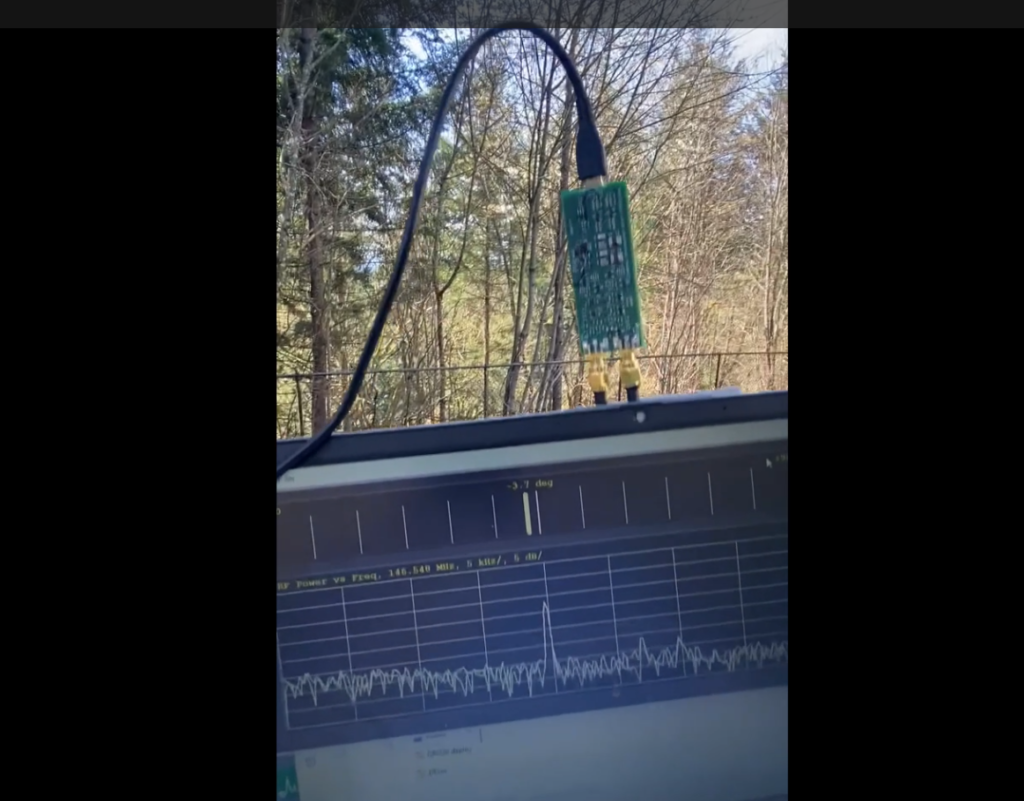
FH146 – The New dual channel Angle of Arrival Direction Finder for 2 meter Transmitter Hunts!

I had a handful of people ask me to make this a product they could buy, rather than just an educational walkthrough. I’d rather you design your own and learn and have fun along the way, but if just buying and using the FH146 in your next transmitter hunt is more your speed, or if you’re more into software tweaks, I am making it available to purchase. US residents only.

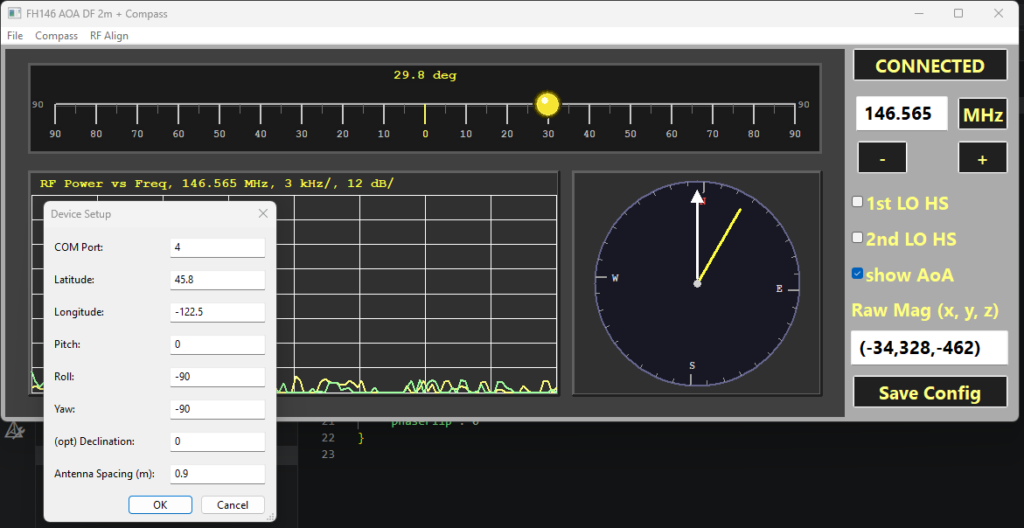
I just made the FH146 user interface / control panel open source! It is Visual Studio 2019 / Windows only (not built for Linux yet). There is also a copy of Rev B1 firmware for the Pico2 (.uf2 file only)
https://github.com/jcrookswy/DF2m

I am working on the user manual next. Hopefully it will be done in a week or so.

Quick start:

  1. Copy the DF2m software into the folder of your choice.
  2. Plug in your Pico2. It should open like a thumb drive
  3. Copy the .uf2 file into this. Now it should show up like a COM port in Device Manager. Remember the COM port number (should be 1-9)
  4. Launch the software. Under Compass–> Device Setup, enter the COM port, and click SAVE CONFIG
  5. Click “Connect”. You should see everything updating.
  6. Calibrate the compass, by aligning it for minimum X value (maximum Negative), repeat min/max for X, Y, and Z. The readout for the raw magnetometer readings is near the lower right corner of the user interface.
    • You will need to rotate pitch, roll, AND yaw to find the true maxima / minima if you want the compass to work well
  7. Build 2 antennas ant mount them about 1 meter apart.
  8. Tell the software how the FH146 is mounted using pitch, roll, and yaw. This should allow the compass to make good measurements
  9. Generate a test signal, e.g. from a friend keying up their radio on lowest power. Set RF Align–> Zero when they are directly in front of you.
  10. Point 45 degrees left, then right. If the indicator moves the wrong direction, click RF Align–>Flip.
  11. SAVE CONFIG so you don’t have to repeat the process

Copy

I’m going to try to set up a more professional-looking page for this soon, but if you really want to get your hands on the FH146 + Pico2 direction finder kit ASAP, here is a link:

https://www.paypal.com/ncp/payment/Q4B94Q9W68YRQ